Behind Growlogs: Tips & Tricks :mega:

Hey, Grow With Jane’s family! :woman_farmer:t5: :man_farmer:t5:

You know what? We’re diving into something very cool today – our very first chat on ā€œBehind Growlogs: Tips & Tricksā€! I’m excited to start this journey with you and show you how we use the app to grow our cannabis babies. :seedling: :sparkles:

So, let’s get started! This week we’re talking about how we structure our daily notes.

:dizzy: How do you all organize your notes in the GWJ App? Do you have any great formats or tricks you use to keep your plants on track? :dizzy:

I’m all eyes :eyes: for your brilliant hacks and experiences! Do you have any tips that have helped you keep your grow logs super tight? :spiral_notepad:

:point_right:t5: Remember, we’re here to share, learn, and grow together. So don’t be shy – just get in touch and let’s talk! :handshake:t5:

Happy growing, everyone! :seedling: :sparkles:

Reply ↗
190Views10Likes1Popular links3Participants
Created
Mar 1, 2024
Last reply
Oct 6, 2024
Replies
4
Views
190
Participants
3
Likes
10

Top posters

Hello everyone! I’d be happy to participate and mention a few things I picked up on and now use to make a clean growlog.

  • I log entries as I’m going, not at the end.
  • I keep my note lingo but, more importantly, the structure the same throughout, so it’s easy to gauge.
  • I noticed that the picture format fits three pictures wide. To keep my log looking ā€œclean,ā€ I upload images in increments of three. If I have five photos, I’ll take one more or decide which two don’t make the cut. I also take relatively same-angle photos. That makes reviewing the plant while looking through the gallery more manageable, especially (not a gripe) once it combines your older photos.
  • I separate my ā€œnutrientā€ mix notes (EC, pH, PPMs) and ā€œwaterā€ entry/notes (runoff %.) I then take that runoff and make a ā€œtree logā€ entry measuring runoff nutrient return. I note how hungry my plant is and adjust EC accordingly for when it’s time to feed again.
Reply ↗

That was a great contribution Pkay! Thanks a lot! The application is a great tool, and we can make better use of it with the support of the Community.

Reply ↗

REMINDERS

Hey, fellow growers! :raising_hand_woman:t4:

:alarm_clock: This week, let’s dive deep into the world of reminders in Grow With Jane. :alarm_clock:

Reminders are like little helpers that keep our growing journey on track, reminding us when it’s time to water, feed, or perform other essential tasks for our plants. :white_check_mark:

:question:Do you have a specific routine for setting up reminders that works like a charm?

Perhaps you’ve discovered some clever hacks to ensure you never miss an important cultivation event. Whether it’s using recurring reminders, setting multiple alerts, or syncing with external calendars, we want to hear your strategies for maximizing the effectiveness of reminders in our app.

:raised_hands:t4: :eyes: :mag:

So, let’s swap our best reminder hacks and tips to keep our grows thriving and our plants happy! Don’t be shy – your insight could be just the thing someone else needs to take their cultivation game to the next level.

Happy Growing!

Reply ↗

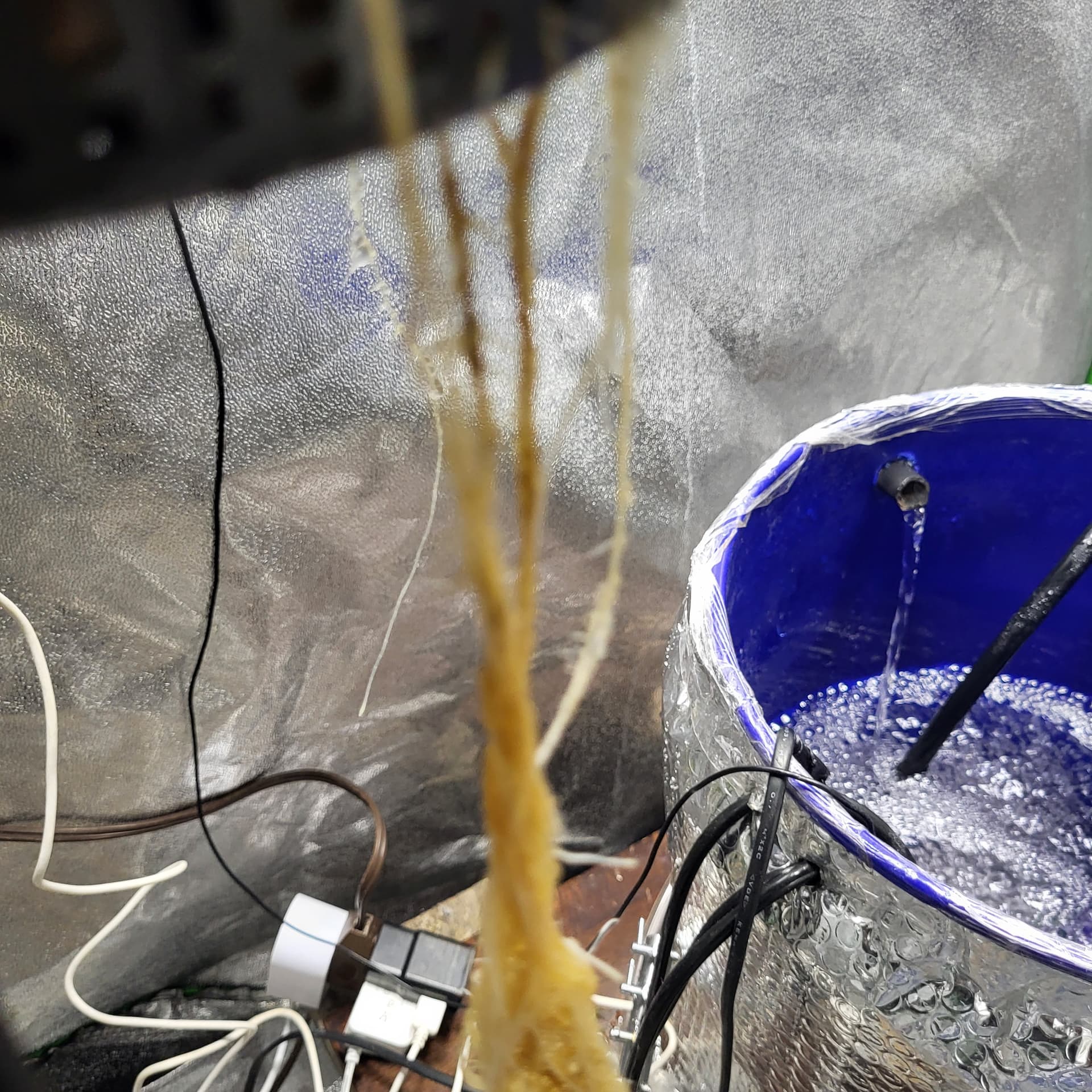
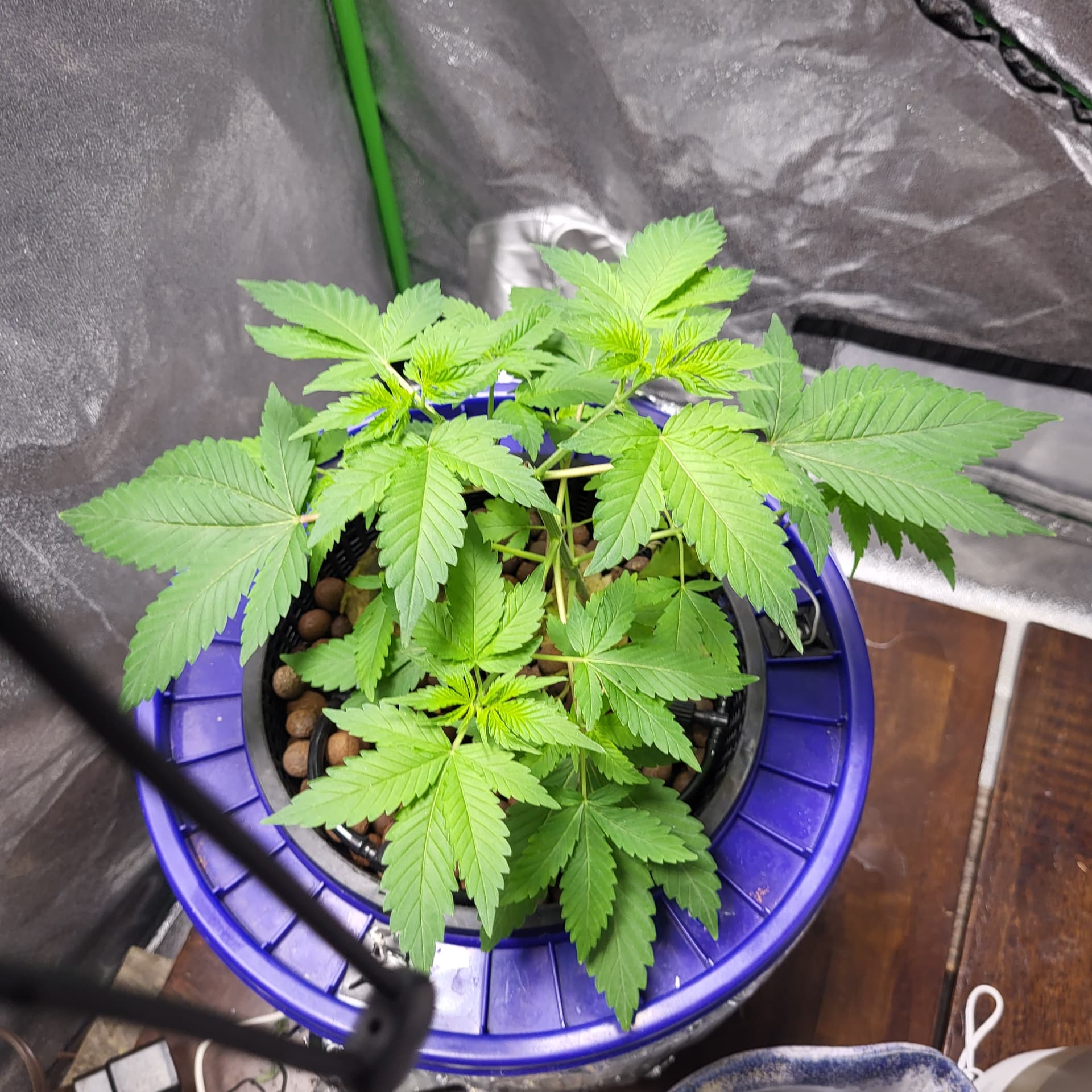
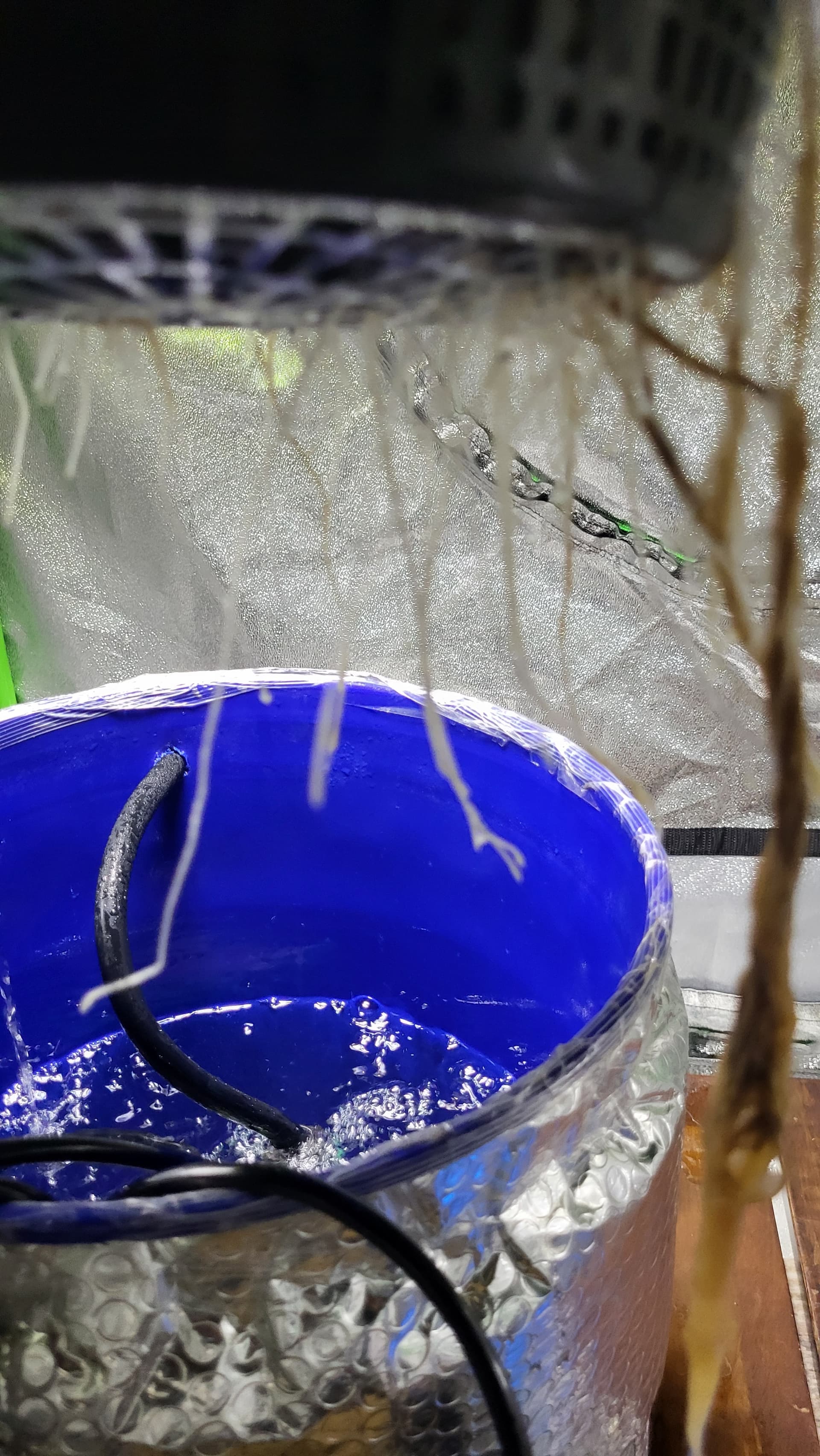
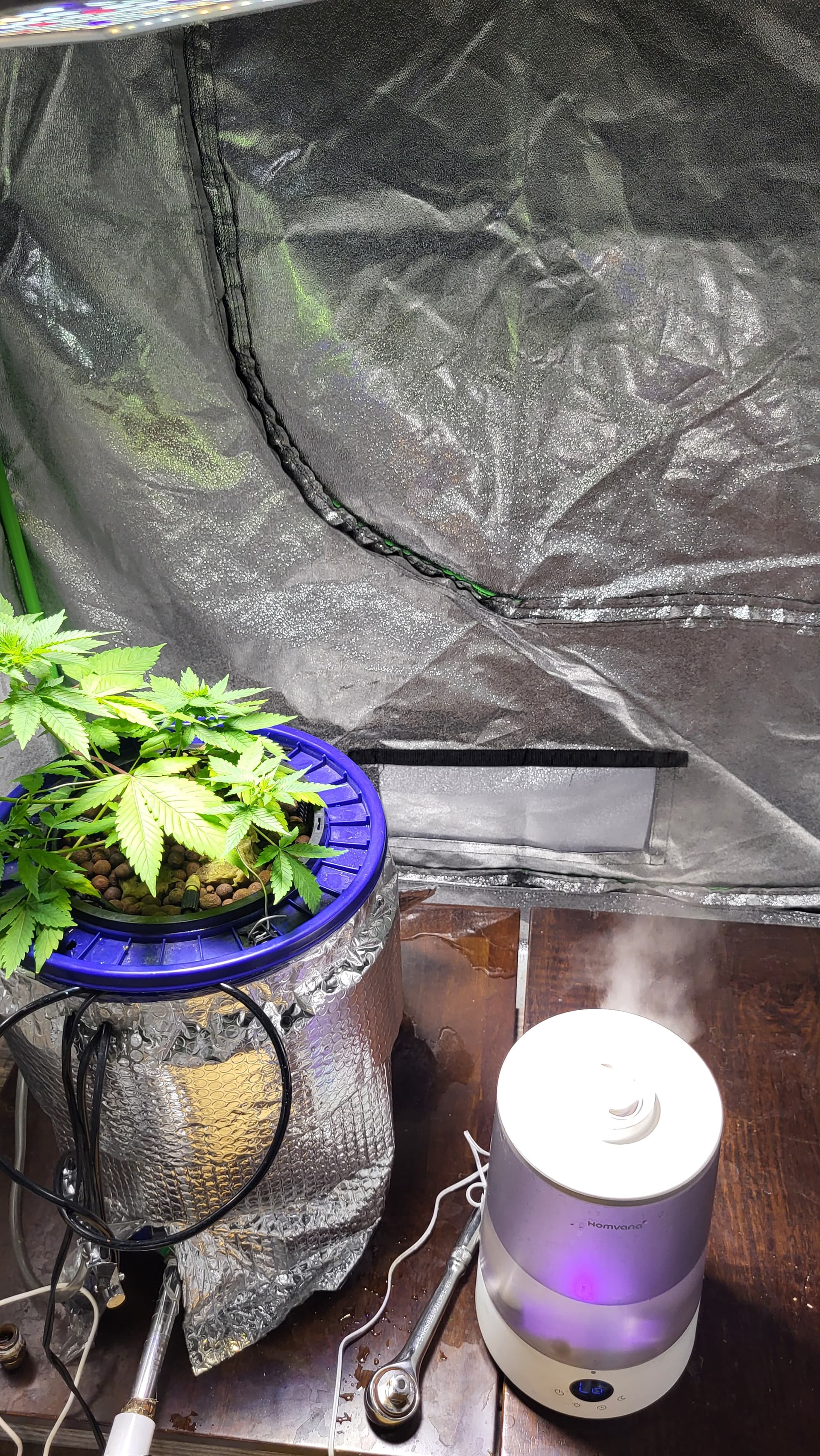
Tbh im still writing all my stuff down pen and pad,I’m trying y o learn to use the app but I’m old school i guess I still have no idea what I’m doing and what to do with info, but my baby still alive,almost lost her


I don’t know what happened roots turned brown no smell or slime, hit her with some peroxide mixture, and she came back to life, with new roots all over pot net.

Reply ↗

Suggested topics

Suggested topicsRepliesViewsLast reply
🌸 Let’s talk about ā€œhairyā€ plants 🌸8117
Duda con sabor, olores y thc115539
Faire une pƩriode de 24h docultation avant passage en 12h/12h19316
Que os parece este es el resultado en exterior446
Daily Grow Pics.. And Go!148