#3
#3Sounds amazing. Looking forward to try 
31 antworten · 256 aufrufe
#3Sounds amazing. Looking forward to try
 #4
#4Hello Gaz
For the past 3 - 4 days, I’ve had the problem that I can post photos in the Community using my PC. This makes it totally cumbersome because I first have to transfer each individual picture from my phone to my PC.
Previously, I would load my pictures from the Growlog onto my phone and then upload them from my phone to the Community. And here’s the problem.
I can no longer upload pictures from my phone to the Community, and my suspicion is that this has been going really badly, if you’ll excuse my language, since the new Update 3.1.
Suggestions from others to restart my router, or even restarting my phone multiple times, haven’t provided a solution.
I messaged Eli 2 - 3 days ago, and apart from a like, I haven’t received anything else so far.
The problem still persists, and I’m noticing that it only happens on this site/app, whatever it is.
Yesterday, I uploaded and posted photos from my phone on other social media channels without any problems. It works there, which indicates to me that the problem originates from your side.
I wanted to report this from on the go this morning and received this message for the second time when checking in with my phone, which I’ll upload here for you right away. This exact same message appeared three days ago when the dilemma of uploading photos from my phone to the Community began.
When uploading a photo, it only shows me; “is being processed”. Normally, during upload, the percentage count runs and at 100%, the image is loaded. Here, the percentage number doesn’t even appear, instead it loads endlessly with the message “is being processed”.
So now, after several days of feeling excluded, I’m gradually getting fed up.
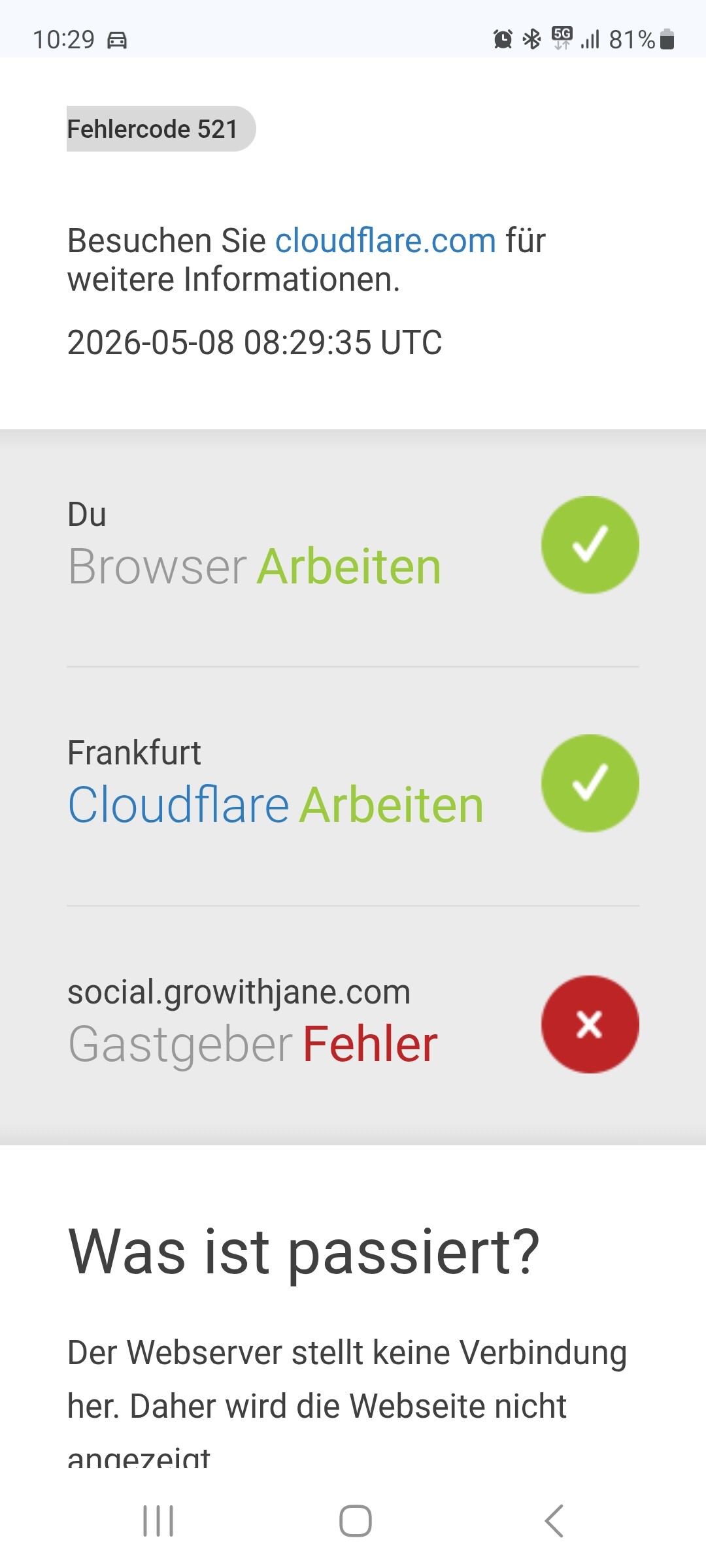
That was the second error message on my phone in the last three days, which presumably also prevents me from uploading my photos to the Community from my phone.
It’s currently hindering me enormously, and I hope a solution will be found soon.
I also increasingly noticed that when I want to switch topics, meaning go from one to another, it only does so after tapping and then refreshing the page. This was never necessary before.
Unfortunately, it’s been a good 3 to 4 days now that I haven’t been able to upload photos via my phone.
I hope the error can be found quickly. Because it’s not my phone. Nor my router. Because in principle, I have perfect internet and a decent connection.
Best regards from Pflanzenpaule
 #5
#5I am sorry Pflanzenpaul, I’ve talked with the team about this issue yesterday and I couldn’t write to you until now. They are working on it.
#6Hey Eli
I click ‘Reply’ here, and the window doesn’t open.
I have to reload the page to be able to reply to you.
Uploading photos from my mobile phone still doesn’t work, and this has been going on for 4 days with the photos.
To move from one topic to another, I constantly have to reload the pages, even on the PC, because it doesn’t respond to the first command (button press) and nothing happens. It’s been very stressful for me these last few days, because I’m really putting my heart and soul into it every day. I feel quite held back, especially since others report that they have no
#7Thank you for explaining everything in such detail. I can absolutely understand why this has been frustrating and stressful for you, especially when you’re someone who participates so actively every day and puts real passion into the community.
Please don’t feel ignored or excluded, the team is aware about this issue, and your reports (including the screenshots and descriptions) are actually very helpful for tracking the problem down. The Cloudflare error and the upload behavior you described give important clues to the dev team.
I also understand how discouraging it feels when others say everything works fine for them while you’re still struggling with it. But that doesn’t make your issue any less real. Thank you for staying patient and continuing to report what’s happening instead of simply giving up on the platform.
Hopefully we’ll have this sorted out soon so you can get back to posting normally again and enjoying the community without all this extra stress. We really appreciate how involved you are here 
 #8
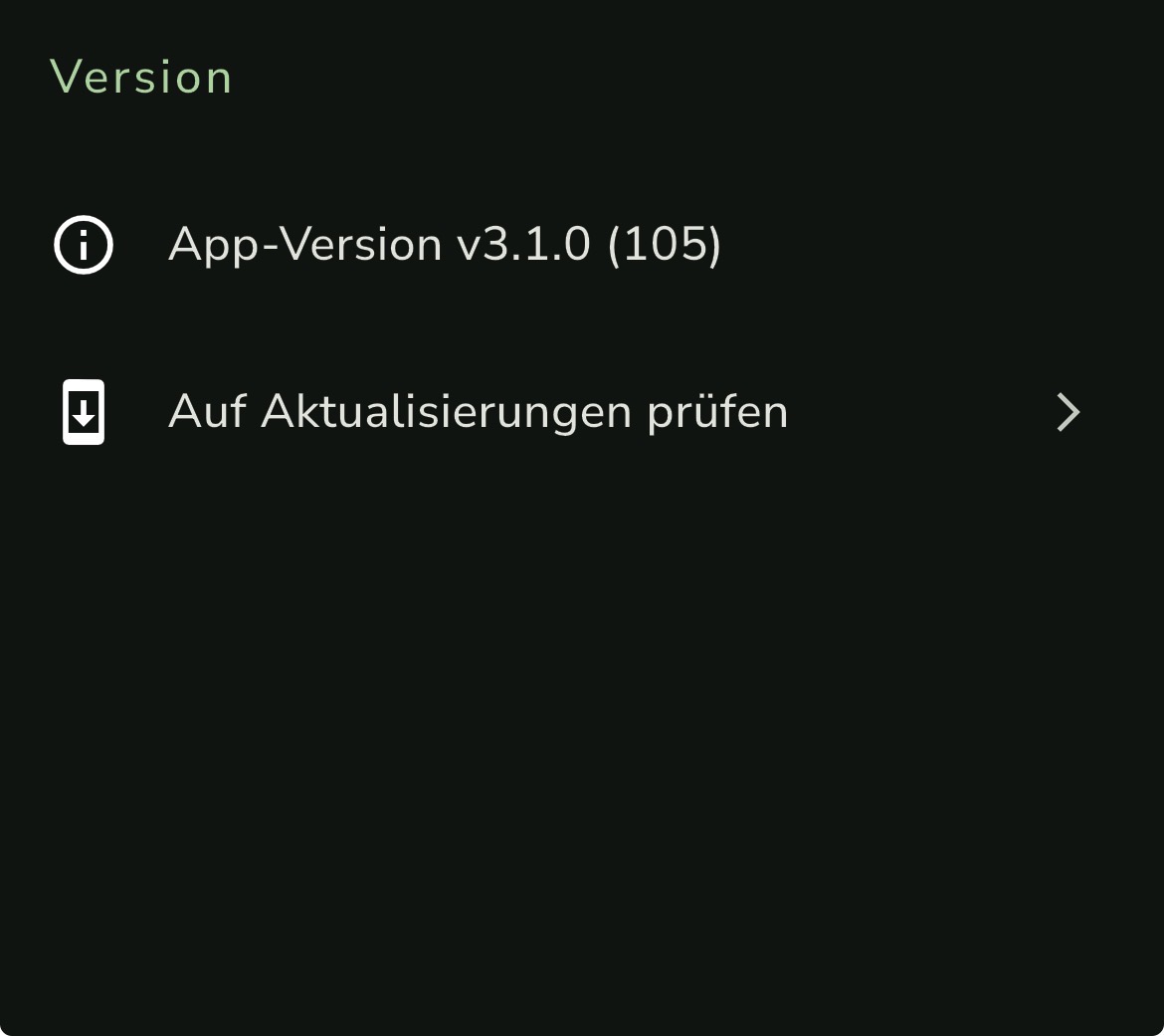
#8I just realized that I was still using v3.0.9 from TestFlight (beta test) all this time.
I had to re-download the current version 3.1 from the App Store.
#9Hello Eli
Regarding all the problems, I can further report;
I had changed my phone. From Galaxy S20 to S25 and even with the newer model, recurring problems became apparent.
Although I was now able to transfer photos from the Growlog back to my phone’s memory and then post them here in topics.
But when I closed the app on my phone and cleared the task manager.
I always remained online, but now on the new S25 phone, I was logged out every time. This resulted in no one being able to view my Growlogs anymore.
As soon as I opened the app, I had to log in again (several times a day).
Yesterday, I checked all the phone settings using AI.
The background logout should not have happened according to the settings.
And it does happen on the Android system, especially with the S25.
With the S20, there were these image upload problems.
These are performance problems that are now known and can be resolved through special updates.
When I had gone through everything without success, there was only the hardcore solution for me;
First, I ended the Beta version. It was too much instability for me, and it cost me a lot of precious time.
I should have done that with the Samsung S20 already and would have saved a lot of money.
But well, now I have a new phone and probably an even better camera with it. 
After getting rid of the Beta version and the 3.1 update.
I deleted the data on the phone and the cache, and finally, I deleted the app.
With that, I hit the nail on the head!
The solution was as simple as a clean restart, because I had tried everything else before. Without success!
The whole problem lies with the Beta version.
With Beta versions, test data and other login protocols are often stored on the phone, which can get stuck over time.
By ending the Beta program and reinstalling, I achieved 2 things.
Removed legacy data and deleted all corrupted cache files of the test version.
Now I have the official, more stable version again, and it harmonizes much better with the software of the S25 and would have also been the best solution for the S20.
Should updates then follow that make the Beta version more stable on Android devices, as this issue affects several generations of devices.
As I said, S20 to S25 runs unstably!
Then I will gladly download the Beta version again.
I was pretty much able to identify this version as the source of all the problems.
The programming-related problems of the app version on Android systems will surely be fixed soon ???
You are welcome to share this with the team so they know, “or,” it will help eliminate the problems. Best regards from Paule
#10Ohhhh thank you for the info. I am sure it will be useful for the team. 
 #11
#11Something that could be added is a growth stage for revegging. I recently took some cuttings in the flowering stage and once rooted there currently is not a correct stage for me to assign to them. They won’t be in rooting stage any more but will not yet be in veg either. Something minor but it would help to stay organised a little bit easier.
#12Hello! Thank you for the suggestion. We are taking notes 

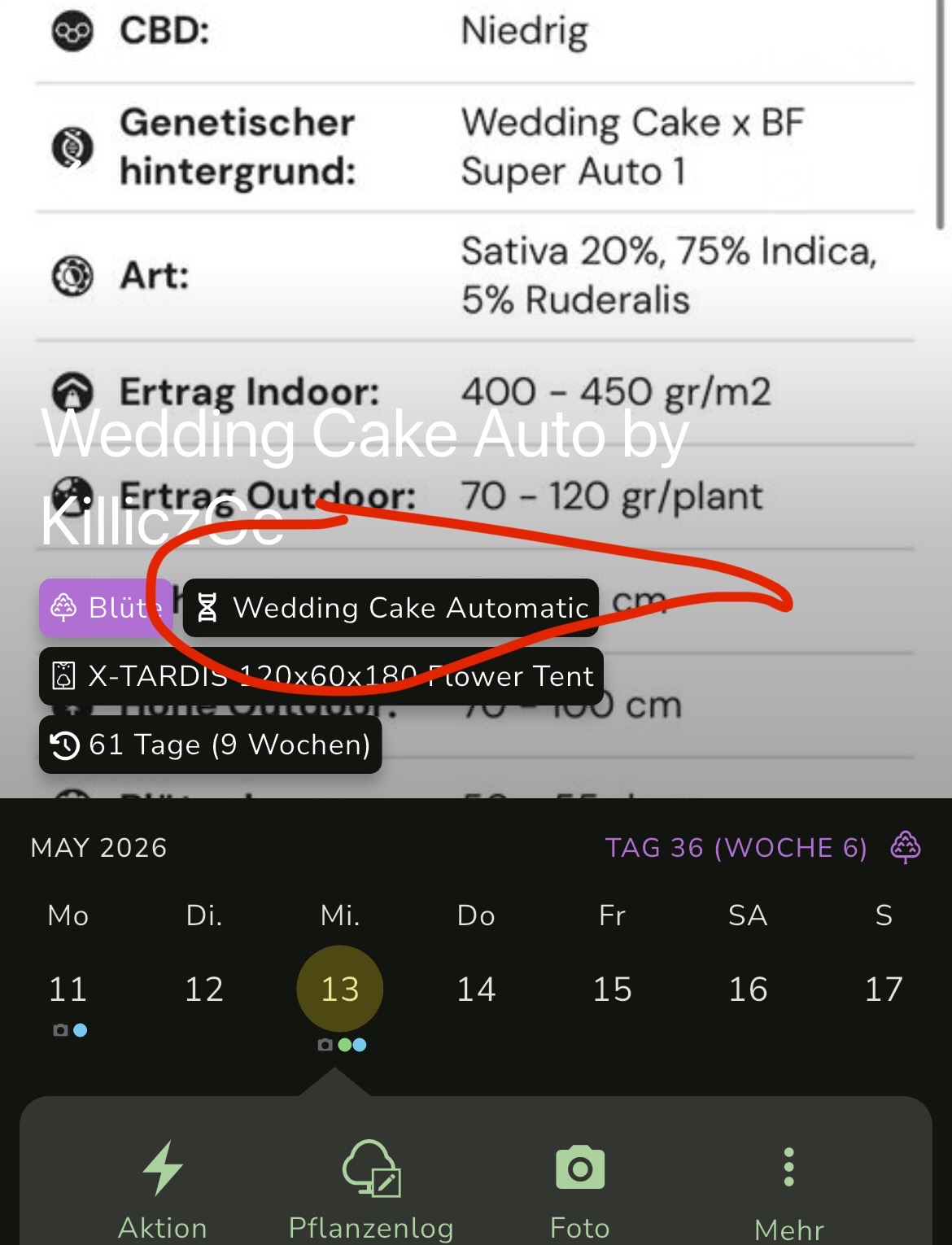
#13I found a problem with the strain informations.
Nothing there to see where the details were

There where more details about the strain before
 #15
#15Hi friend! can you validate you are in version 3.1? in the about page. We fixed that in this version
#16Thank you for the detailed report friend 
no need to stay in beta any longer - we’ll let you know as soon as we have another early access
#17Wouldn’t these be clones? If you add them as clones, you can mark the flowering plant as mother and they’ll start in “rooting” but then move to veg-flow-etc.
#18#19I did start them as clones and marked the flowering plant as the mother. Once rooted they are not going to instantly jump to veg stage like a clone taken in veg though, it would be nice to have something to keep track of that with especially if your logs are sorted by plant stage.
#20I currently have 15 active logs across different stages, anything to keep that more organised or easier to manage helps.
#21Got it! Thanks for the details @KilliczGe @Crackadoo
 #22
#22I haven’t been able to access my profile for 3 days @gaz. Can you do something about that? The rest is working perfectly.
#23Hello, Were you able to log in to your profile? I just got in. It took a little while, but it worked. The team is working on it, anyway.