#4
#4Hello Gaz
For the past 3 - 4 days, I’ve had the problem that I can post photos in the Community using my PC. This makes it totally cumbersome because I first have to transfer each individual picture from my phone to my PC.
Previously, I would load my pictures from the Growlog onto my phone and then upload them from my phone to the Community. And here’s the problem.
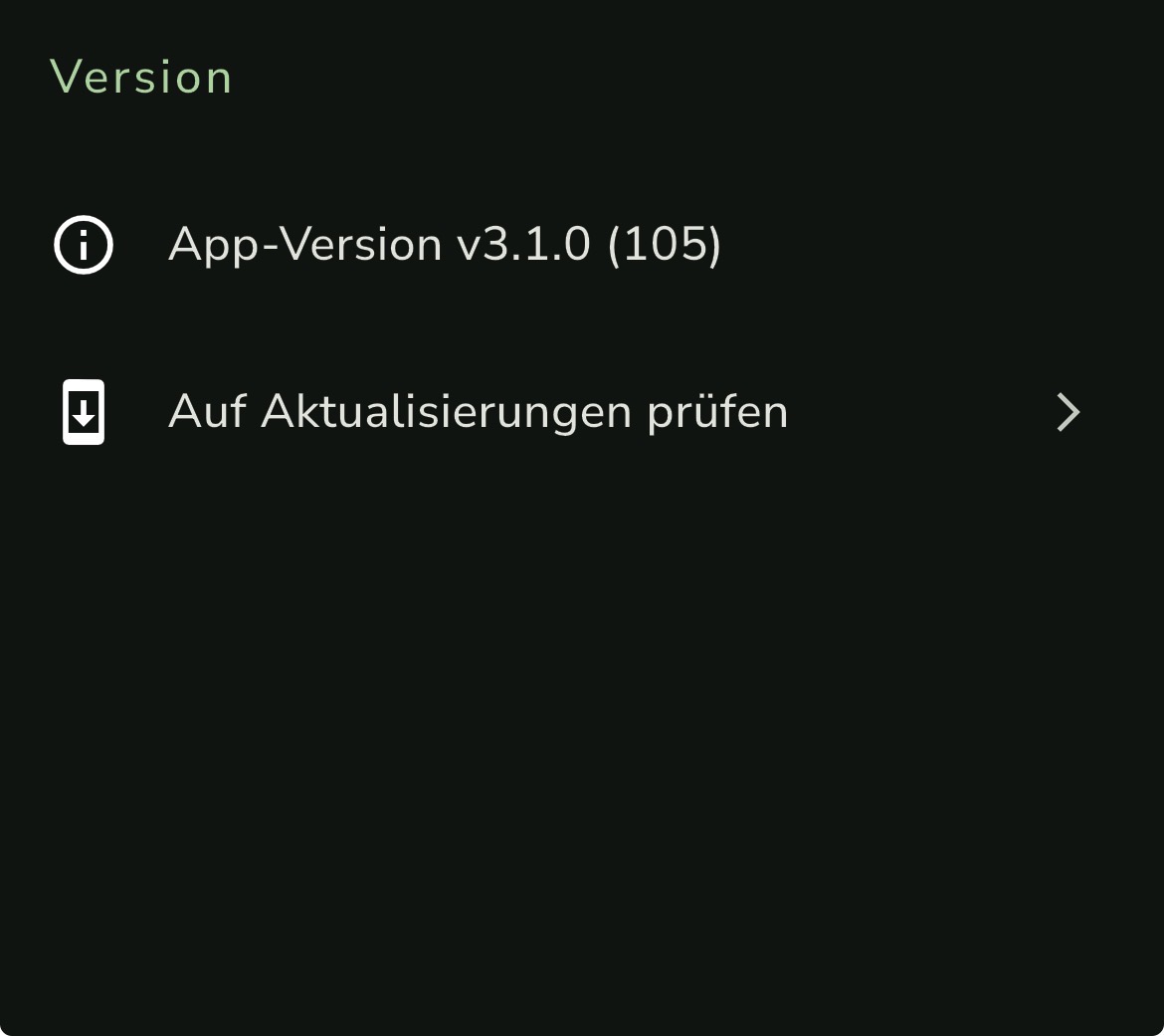
I can no longer upload pictures from my phone to the Community, and my suspicion is that this has been going really badly, if you’ll excuse my language, since the new Update 3.1.
Suggestions from others to restart my router, or even restarting my phone multiple times, haven’t provided a solution.
I messaged Eli 2 - 3 days ago, and apart from a like, I haven’t received anything else so far.
The problem still persists, and I’m noticing that it only happens on this site/app, whatever it is.
Yesterday, I uploaded and posted photos from my phone on other social media channels without any problems. It works there, which indicates to me that the problem originates from your side.
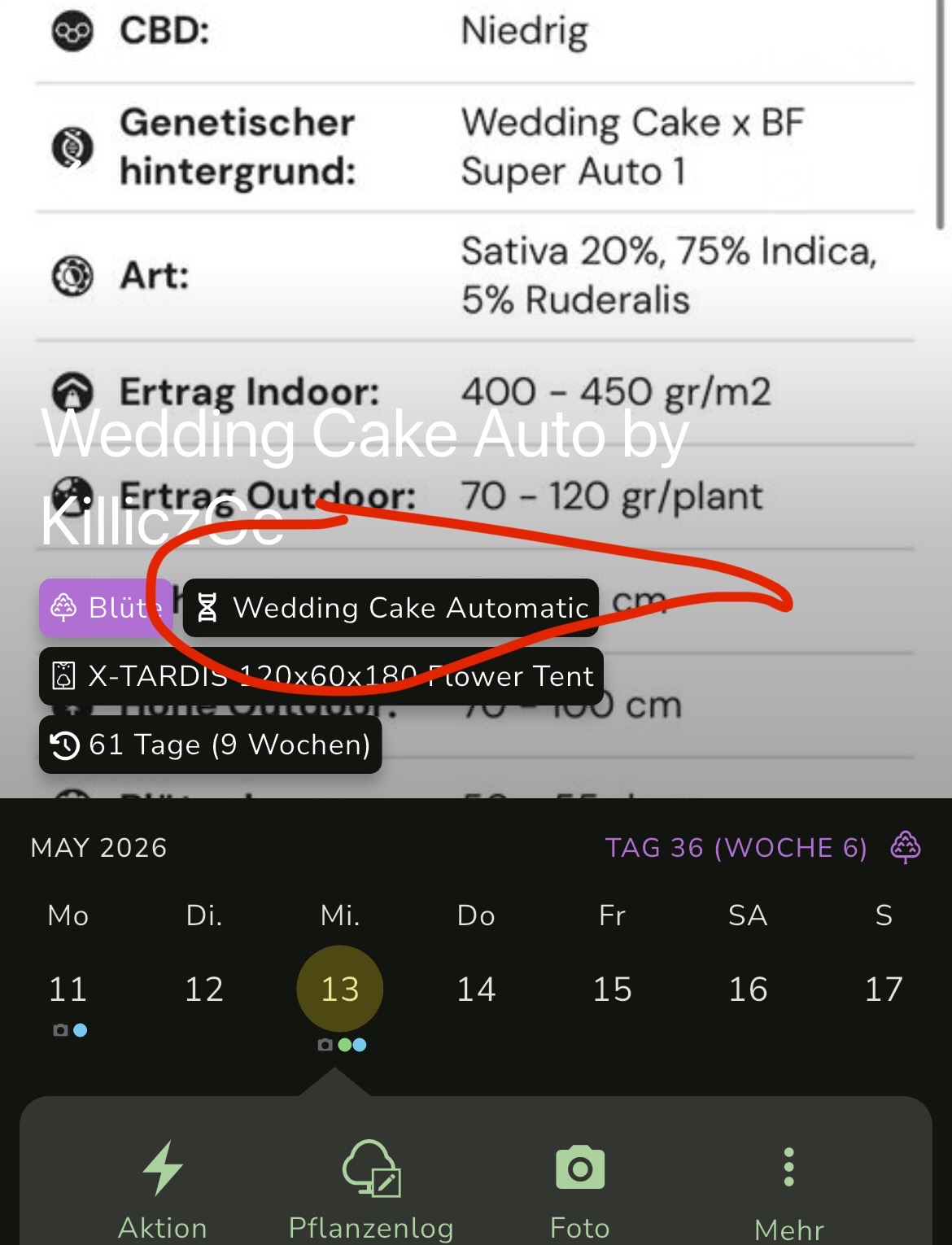
I wanted to report this from on the go this morning and received this message for the second time when checking in with my phone, which I’ll upload here for you right away. This exact same message appeared three days ago when the dilemma of uploading photos from my phone to the Community began.
When uploading a photo, it only shows me; “is being processed”. Normally, during upload, the percentage count runs and at 100%, the image is loaded. Here, the percentage number doesn’t even appear, instead it loads endlessly with the message “is being processed”.
So now, after several days of feeling excluded, I’m gradually getting fed up.

That was the second error message on my phone in the last three days, which presumably also prevents me from uploading my photos to the Community from my phone.
It’s currently hindering me enormously, and I hope a solution will be found soon.
I also increasingly noticed that when I want to switch topics, meaning go from one to another, it only does so after tapping and then refreshing the page. This was never necessary before.
Unfortunately, it’s been a good 3 to 4 days now that I haven’t been able to upload photos via my phone.
I hope the error can be found quickly. Because it’s not my phone. Nor my router. Because in principle, I have perfect internet and a decent connection.
Best regards from Pflanzenpaule